For independent dental practices
You care for patients.
Zapla handles
the follow-up.
Reply to new enquiries, send registration forms and follow up patients due back. Keep patient communication moving without adding more chasing to reception’s day.
Your dental software stays. Zapla adds the patient communication around it.
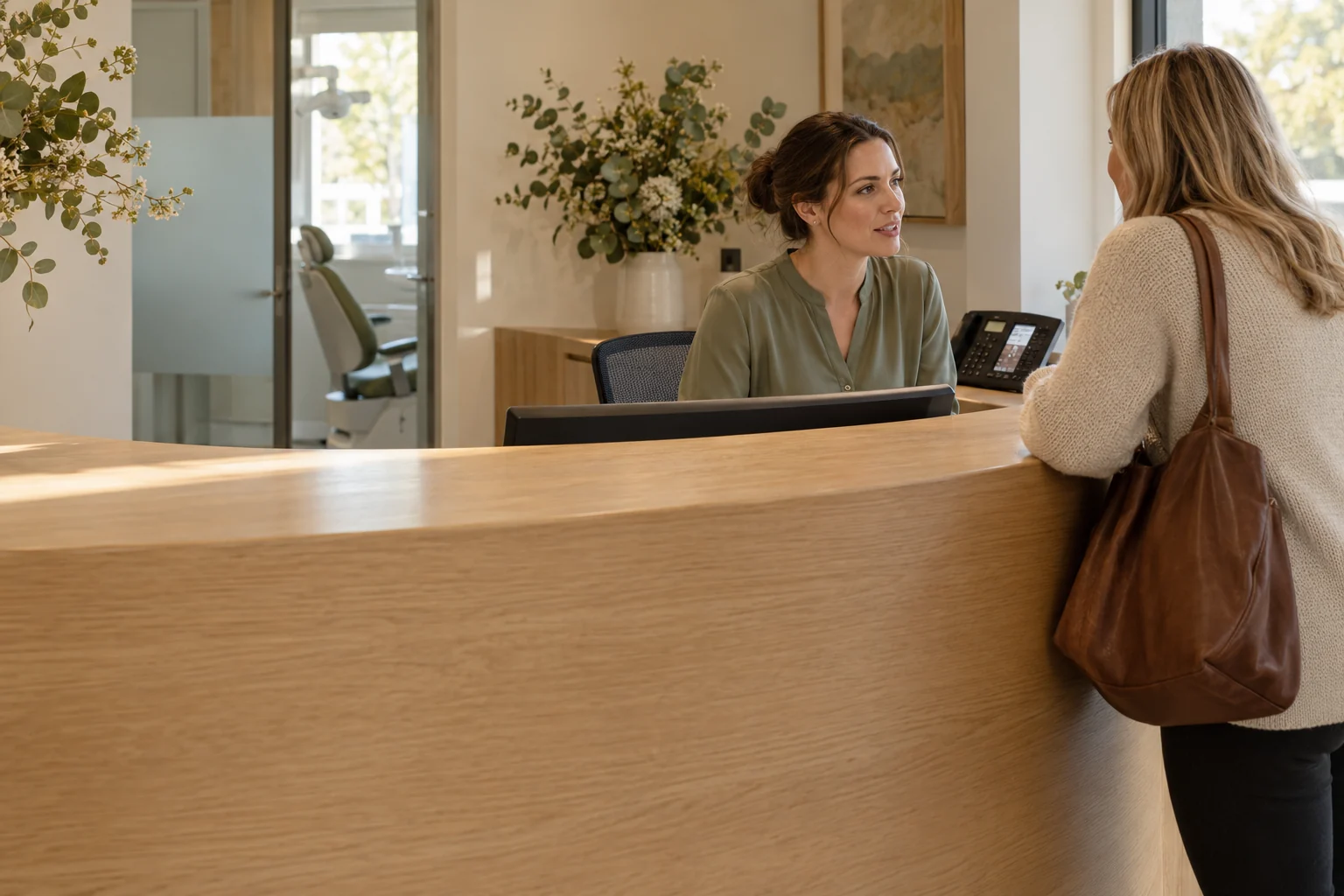
“We’ve just moved nearby. Are you taking new patients?”
Conversation ready for reception.
Less chasing for reception.
Fewer conversations missed.
Before the first visitA new patient asks. Reception is already helping someone.
Before the appointmentRegistration forms still need completing. Reception has another reminder to send.
After the visitThere are enquiries to follow up, patients due back and feedback requests to send.
A new patient gets a response
New patient enquiries
Respond to new patients
while reception is busy.
Acknowledge a web enquiry automatically and keep the reply with the patient’s contact record. Reception can pick up the conversation and arrange the right appointment in your dental diary.
Explore Follow-UpAI Receptionist
Answer calls from new patients.
Answer routine questions and collect a callback request while reception helps patients. AI Receptionist keeps the caller’s details and request ready for your team to arrange an appointment.
Clinical questions and urgent concerns follow your practice’s human response process. AI does not assess urgency.
Explore AI ReceptionistOptional add-on. Setup and usage charges apply.
Are you taking new patients?
Before the first appointment
New patient forms.
Done before they arrive.
Send a registration link before the visit. Remind patients who haven’t completed it and let reception know when it’s ready. Less paperwork to chase at the desk.
Explore forms and patient records
After a treatment discussion
Follow up treatment
enquiries. Automatically.
A patient needs time to decide. Zapla sends the follow-up at the time your team chooses, so the conversation doesn’t get forgotten.
When they reply, reminders stop and your team gets the conversation. Questions about treatment go to your clinicians.
Explore automatic follow-upAn agreed check-in after the visit
Patients due back
Their next check-up.
One less reminder to remember.
Use the recall dates supplied by your practice to remind patients when they’re due. Bring replies back to reception to arrange the next visit.
Explore scheduled reminders
Next check-up due
in November.
Hi Mia, it’s time to arrange your next check-up. Reply here and reception can help find a time that suits you.
Based on the recall date supplied by your practiceInactive patient reactivation
Reconnect with patients
who haven’t returned.
Send a relevant invitation to patients your practice has approved for a return campaign. Follow up unanswered messages and bring replies to reception.
Routine recall keeps patients on schedule. Reactivation reaches the people who have drifted away.
Explore patient reactivationA practice-approved return campaign
Current bookings, recent replies and opt-outs excluded using the agreed records.
After the appointment
Ask for Google reviews.
After the visit.
Automatically.
Send patients a review link after their appointment, so reception doesn’t have to remember to ask. Make it easy for them to share their experience.
Explore review requestsMore support for reception
Keep appointment admin moving.
Send appointment messages using the booking details supplied by your practice.
Confirmations
Send a confirmation request before the visit and flag unanswered messages for reception.
Before-visit messages
Send directions, arrival details and links to the practice’s approved preparation information.
Cancellation alerts
Notify reception when a patient asks to cancel or reschedule. Your team updates the dental diary.
Two clear responsibilities
Keep the clinical system.
Close the communication gaps.
Your dental software
Clinical records, treatment plans, X-rays, billing, the appointment book and clinician-set recall dates.
Zapla
Enquiry replies, registration form delivery, treatment enquiry follow-up, agreed recall campaigns, reactivation and review invitations.
Guided Launch
Set up the workflows
your practice needs.
We map how reception works today, choose the workflows worth improving and build them around your practice. Your team tests the messages, replies and stop rules before launch.
Explore plans and Guided Launch- 01
Confirm the fit
Check what your dental software already does. Agree the data flow, setup cost and ongoing work. Confirmations, preparation messages and cancellation alerts can be included where appointment updates are reliable.
- 02
Choose messages and timing
Decide what gets sent, when to follow up and which questions go to your team. Check patient permissions and privacy before launch.
- 03
Test with your team
Test each trigger, reply and opt-out. Agree who handles exceptions, then track reception time, completed forms and responses against your starting point.
Room for the whole team
Unlimited users.
One flat platform price.
Give reception, the practice manager and the people responsible for follow-up access to the same conversation.
Unlimited stored contacts under fair use. GST, Guided Launch and communication usage are separate. AI Receptionist is an optional add-on.
Compare current plansA few practical questions
Before you add
anything new.
Our dental software already sends reminders. Why add Zapla?
Start with the gaps your team actually has: unanswered enquiries, follow-up that lives in someone's memory, or replies spread across channels. If your current system handles these well, keep that workflow there. Zapla should earn its place by solving an agreed gap.
Does Zapla connect to Dental4Windows, EXACT, Core Practice or Dentally?
We do not promise a native connection to these systems. We review your software, available exports or APIs, permissions and process before agreeing the scope. A contact import is not a live sync. Where a connection cannot be verified, reception keeps booking and updating appointments in the existing dental system.
Can the AI Receptionist book directly into our dental diary?
Only where the booking connection and permitted appointment types have been verified. Otherwise, use it for agreed routine enquiries and callback requests. Your team confirms appointments in the dental diary. Urgent concerns and clinical questions need a practice-approved human handoff process; AI does not diagnose, recommend treatment or assess urgency.
Can we follow up patients who asked for time to decide?
Yes, an agreed non-clinical check-in can invite questions or offer contact with your team. Your practice chooses eligible patients, timing and wording. Configure the sequence to stop on a reply or opt-out, and keep clinical advice with your clinicians. No pressure, treatment recommendations or promises of results.
What patient information goes into Zapla?
Agree the minimum information required for each workflow, such as contact details, communication preferences and an administrative follow-up status. Clinical charts, X-rays, health histories and treatment records stay in your dental software. Even contact and conversation data may reveal health information, so access, consent, hosting, providers and retention must be reviewed before importing patient data.
Can we contact inactive patients or ask for reviews?
Select eligible recipients and check communication permissions before any campaign. Marketing messages need the appropriate consent, sender identification and opt-out process. For reviews, agree a completed-visit trigger and neutral request wording, with no incentives or screening for positive feedback, and check healthcare advertising rules. Collecting independent feedback and republishing clinical testimonials in advertising are different activities. No automatic testimonial widgets are part of this dental proposal.
Can Zapla send new patient forms?
Yes. Use a digital form for agreed administrative registration details, or send a link to your existing dental form. Reminders can stop when a verified completion event is received. Sending an external link alone does not tell Zapla that the form is complete. Medical histories, treatment consent and clinical records remain in your approved clinical system unless suitability and handling have been separately verified.
Can we automate check-up reminders and appointment confirmations?
Where current recall dates, appointments and booking updates can be reliably supplied, we can configure reminders, confirmations and reception alerts. Your dentist sets the recall interval. We agree which system sends each message and test updates and exclusions to prevent duplicate or stale reminders. Zapla does not assume a live connection to your dental diary.
See what Zapla can
automate for your practice.
Show us how enquiries, forms and patient follow-up work today. We’ll identify useful automations, check the fit with your dental software and explain the setup and costs.